Your Admin Dashboard has a few resources that you can interact with and adjust for your Dealership.
If you are a dealership Admin user, and need help logging into your Admin Dashboard, please see our Access Your Admin Dashboard page for assistance.
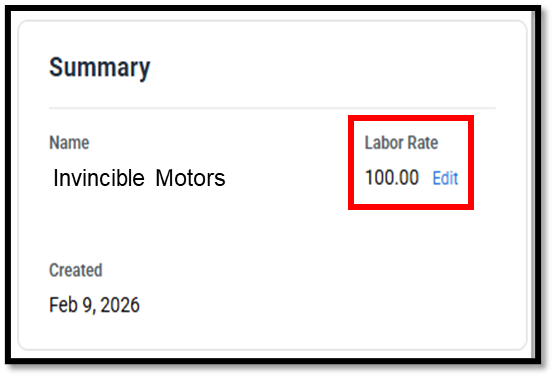
Labor Rate
By default, BlueDriver will set your Dealership's Labor Rate to $100/hr. You can adjust it here as needed.
- Click the edit button, make you changes, and click the Save button.
User Management
Add, remove, or update users attached to your Admin Dashboard.
- For more detailed steps for this process, check out the Link users to Admin Account page.
- To remove users you no longer need, simply click the remove button on the user's email.
- All scans taken by that user will be removed from your Admin Account.
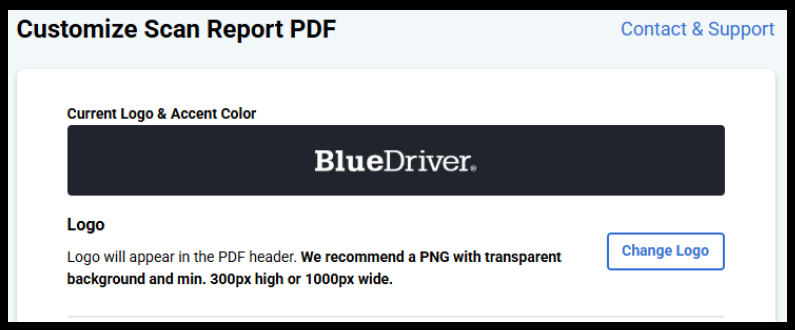
Customize PDF
Make changes to the Scan Report PDF format.
- Make changes to the logo, color, footer as needed.
- Please make sure to follow the recommendations on the page for proper sizing.
Scan History
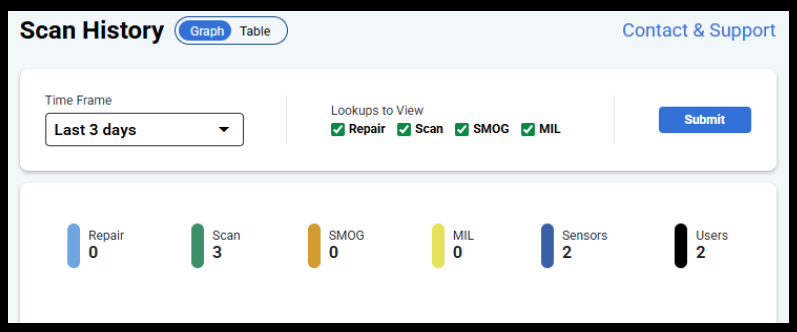
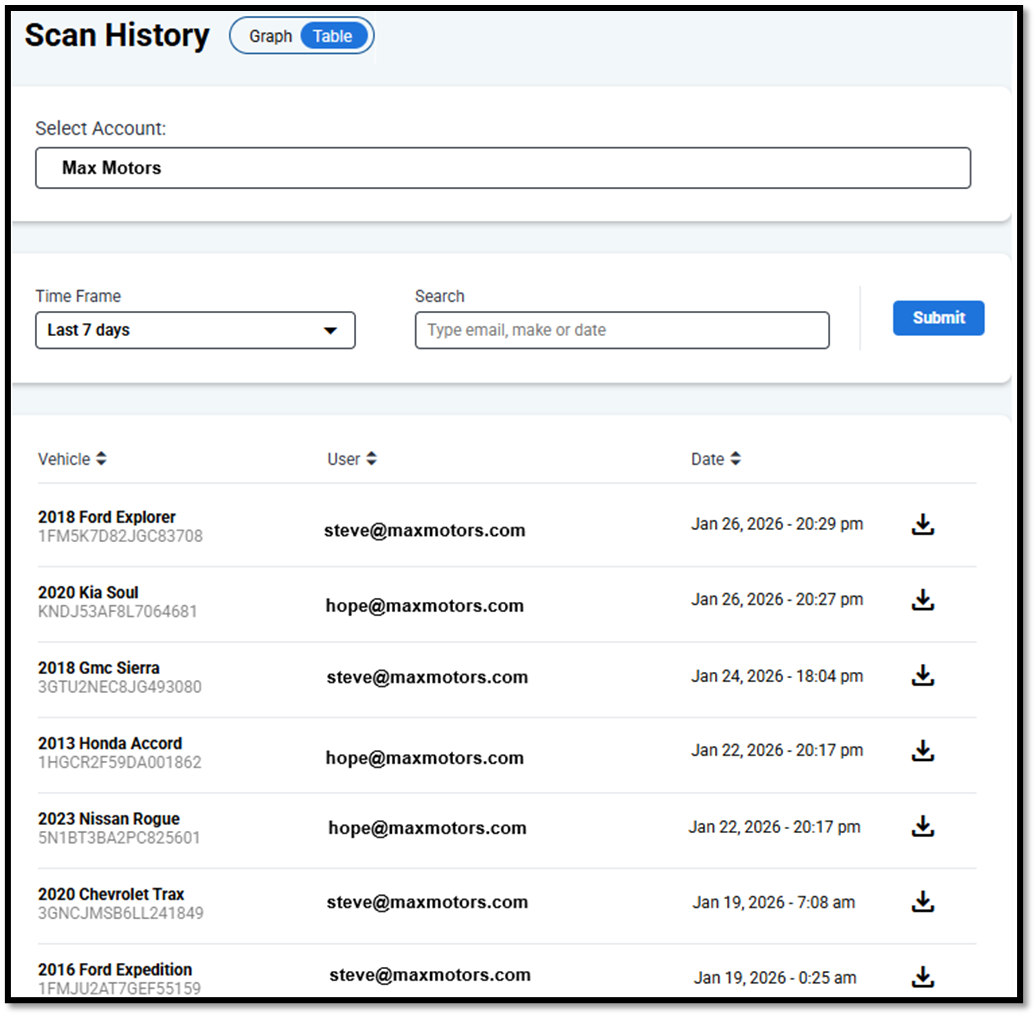
View a history of scans taken and access past scan reports from here.
- By default, a Graph view will load.
- You can change it to a Table view to see individual scan history and reports.
- You can adjust the Time Frame as needed.
Was this article helpful?
That’s Great!
Thank you for your feedback
Sorry! We couldn't be helpful
Thank you for your feedback
Feedback sent
We appreciate your effort and will try to fix the article