Your Admin Dashboard is your central hub for managing your dealership account.
From here, you can:
- View and manage scan history
- Add or remove users
- Customize scan report PDFs
- Edit your dealership’s labor rate
Only one person at the dealership is deemed the Admin and will be provided the login credentials by the BlueDriver team.
If you are unsure who your dealership's Admin user is, please contact us at support@bluedrivermax.com and we can assist you.You cannot use your Admin Dashboard login credentials to log into the BlueDriver app.
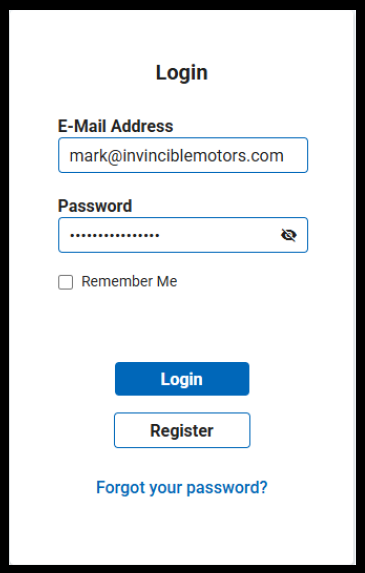
Each user must create their own account in the app.Log into your Admin Dashboard
URL = https://services.bluedriver.com/login
Login credentials were emailed to the dealership Admin/Primary Contact.
To learn more about the Admin Dashboard, check out Admin Dashboard Resources.
Was this article helpful?
That’s Great!
Thank you for your feedback
Sorry! We couldn't be helpful
Thank you for your feedback
Feedback sent
We appreciate your effort and will try to fix the article