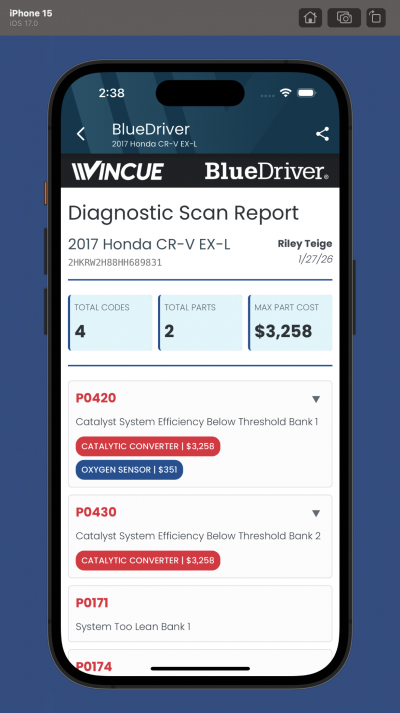
This article is intended for existing VINCUE and BlueDriver MAX customers who want to see scan data within the VINCUE application.
Send an email to the VINCUE team (integrations@vincue.com) providing your dealership information and a list of user email addresses and ask them to enable the BlueDriver permission for each user.
Example:

To: integrations@vincue.com

Please enable the necessary BlueDriver permissions for the below account users.

ACME Chrysler Dodge Jeep
123 Main St. Anytown OH 12345
www.acmechrysler.com

Users:
jason@acmechrysler.com
eve@acmechrysler.com
todd@acmechrysler.com
nancy@acmechrysler.com
The VINCUE team will process your request and provide an update.
Once the users have the proper permissions added, they should be able to access BlueDriver MAX scan data within the VINCUE platform.
Click here to learn more about VINCUE
Was this article helpful?
That’s Great!
Thank you for your feedback
Sorry! We couldn't be helpful
Thank you for your feedback
Feedback sent
We appreciate your effort and will try to fix the article