Are you seeing an error message stating Report not found in vAuto?
There could be a few reasons why this might be. Let's take a look through the different possibilities below.
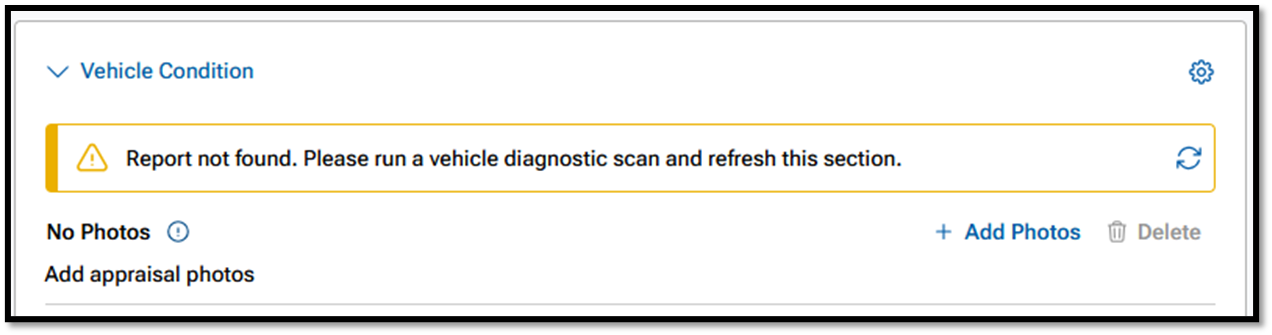
Possibility 1: Scan not taken
- It could be that the VIN in question simply was not scanned by someone at the dealership.
- Please doublecheck the VIN and ensure that a scan was taken and completed within the BlueDriver mobile app.
Possibility 2: vAuto Integration not completed
- It could be that the vAuto account that the appraisal is in, is not setup with the correct BlueDriver Authorization Token.
- Check out this page too see how to get the token setup.
Possibility 3: App is Outdated
- Make sure that your BlueDriver mobile app is updated to the most recent version.
- Check for updates from the Apple App Store or Google Play Store.
- If there is a new version available, please install it and run scans again to see if they transfer to vAuto successfully.
Possibility 4: Timing Issue
- There might be a simple timing issue of when the appraisal record in vAuto was created relative to when the scan was taken with BlueDriver.
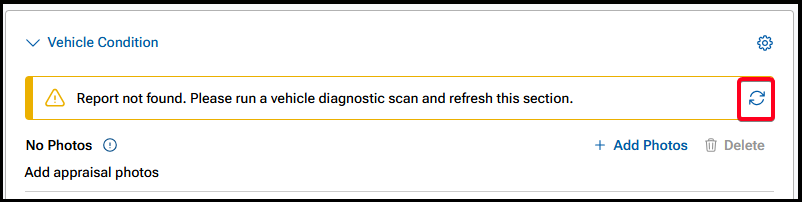
- Try clicking the Refresh button at the end of the "Report not found" message to reload the report into vAuto.
Possibility 5: Incorrect Scanner
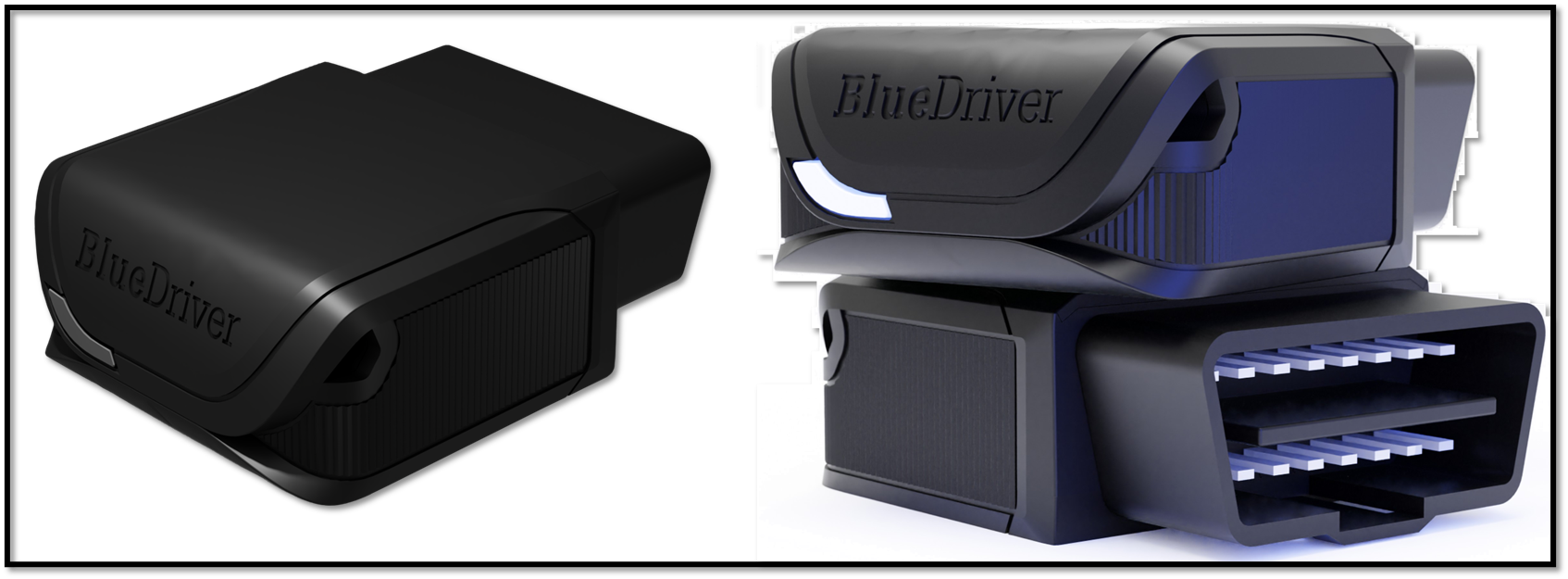
- You might not be scanning with a BlueDriver MAX device.
- If you bought the device from Amazon, Wal-Mart, or a third-party marketplace site, you more than likely do not have the correct BlueDriver scanner.
- The BlueDriver MAX scanner should look like the images below and have 16 pins located on it.
- If you think you have the wrong scanner, please contact us at support@bluedrivermax.com
Possibility 6: Outage
- There might be an outage impacting the integration.
- The outage might be on BlueDriver's side or vAuto's or both.
- If you have checked all possibilities and are still having issues, please Submit a Ticket for our Support team.
Was this article helpful?
That’s Great!
Thank you for your feedback
Sorry! We couldn't be helpful
Thank you for your feedback
Feedback sent
We appreciate your effort and will try to fix the article